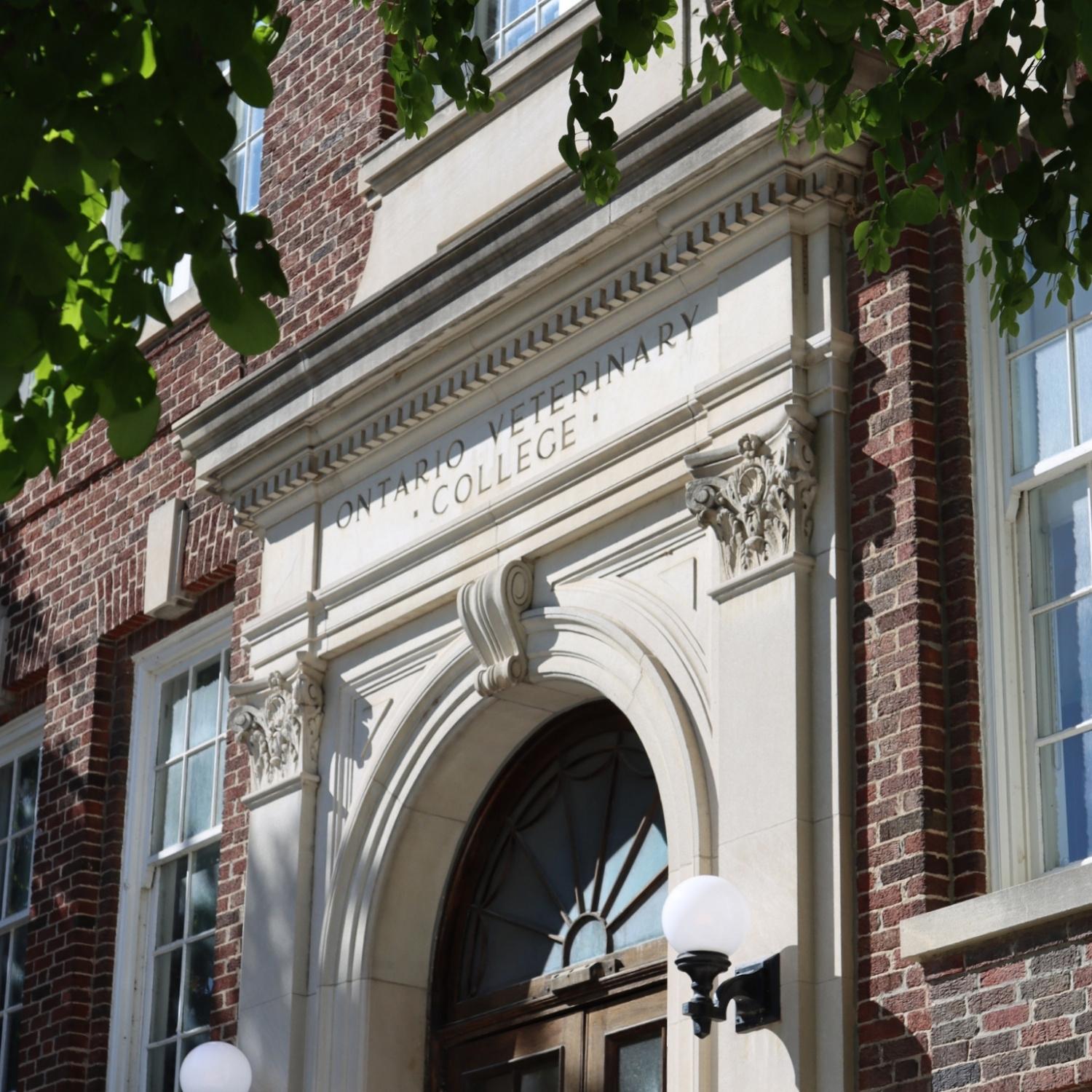
Thank you for applying to the Doctor of Veterinary Medicine program at the Ontario Veterinary College.
Application requirements and deadlines differ for domestic and international applicants. Select your applicant type below to review the steps you need to complete. We recommend bookmarking this page and submitting all required information well in advance of the applicable deadlines.
Choose Your Applicant Type:
Domestic Applicants For applicants applying through the Domestic, Northern or Graduate Cohort.
Documents must be received in Admission Services by the published deadlines. Applicants are strongly encouraged to submit all required documents as soon as possible and well in advance of published deadlines. Late submissions will not be accepted.
Next Steps
Carefully review the Non-Academic Requirements section of the OVC website before submitting.
You can access the BIF in the ‘My Documents’ section of WebAdvisor.
After successfully submitting your BIF, you will see a confirmation message.
You can download a PDF copy for your records.
The status in WebAdvisor will immediately change to ‘Received’.
If the status is not ‘Received’, the BIF was not successfully submitted.
Once you submit the BIF, your referees will automatically receive instructions to complete their assessments.
Contact your referees to confirm they received the assessment email. Ask them to check spam/promotions folders if necessary.
Tips
Internet Explorer is not supported. We recommend using Chrome or Microsoft Edge.
The BIF can only be submitted once and all responses are final. Changes can’t be made after submission.
Include experiences in all required sections (e.g. veterinary, animal, other activities/experiences)
Do not include future experiences or hours.
Use only numbers in fields requiring phone numbers or hours.
Track hours as closely as possible.
Save your work frequently.
Review the Casper website to learn more about test dates and fees, technical requirements, and how to register.
Ensure your Casper score is released to OVC before the posted distribution deadline. Applicants with scores not received by the deadline will be removed from admission consideration.
If you have previously completed a different version of Casper, you must still complete Casper 2 (CSP-10211) – English to be considered for admission. Applicants who do not release a Casper 2 (CSP-10211) – English score by the required deadline will be removed from the admission process.
Tips
We recommend you prepare by taking the practice test in your Acuity Insights account.
OVC does not use the Casper Snapshot feature.
Ensure your Casper score is released to OVC before the posted distribution deadline. Applicants with scores not received by the deadline will be removed from admission consideration.
Keep your Casper score distribution confirmation for your records.
All questions regarding the Casper test should be directed to Acuity Insights.
Over the coming weeks, you will receive information about:
Your University of Guelph email account
Login credentials for WebAdvisor, the University of Guelph applicant portal
If you are a current University of Guelph student, you will already have WebAdvisor access.
If you are a former University of Guelph student, your credentials will be reactivated.
All future communication regarding your application will be sent exclusively to your University of Guelph email account. It is your responsibility to monitor this account for important updates and reminders.
Applicants are required to provide official transcripts from all post-secondary institutions attended.
We recommend using the OUAC transcript request service. If your institution is not available through that service, arrange for your institution to send an official transcript directly to Admission Services at admdvm@uoguelph.ca.
Contact your institution(s)
Tips
If you are currently enrolled in the fall semester, we will require your final grades.
When requesting your official transcript, ensure it will be sent once all fall final grades are available (e.g. not immediately).
Semester Breakdown (if Requested)
If your institution reports coursework by academic year instead of by semester, you will be required to provide a detailed semester breakdown that shows which courses were completed in each semester.
If a semester breakdown is required, you will see it listed under ‘My Documents’ in WebAdvisor.
Semester breakdowns must be sent directly from the institution to Admission Services at admdvm@uoguelph.ca.
Applicants must submit three references, including a minimum of one veterinarian with whom you have obtained animal and veterinary experience.
Reference requirements are available on the OVC website.
The status of each reference will immediately change to ‘Received’ as references are submitted.
It is your responsibility to monitor WebAdvisor closely and ensure all references are received by the deadline. Late submissions will not be accepted.
Cohort-Specific Information
Applicants applying through the domestic cohort must meet Ontario residency requirements. Applicants applying through the Northern cohort must meet Northern residency requirements.
If we require proof of residency, you will see it listed under ‘My Documents’ in WebAdvisor.
Contact Admission Services at admdvm@uoguelph.ca well in advance of the deadline to discuss acceptable documentation.
Applicants intending to apply through the Graduate Cohort must:
Please review all Graduate Cohort requirements on the OVC website before submitting your application materials.
International Applicants
Important Dates and Deadlines
Requirement
Deadline
Equal Consideration Deadline
November 1, 2026
Academic Background Form & Course Descriptions
November 1, 2026
Supplemental Evaluation Fee (CAD $150)
November 1, 2026
Casper Score Distribution
Per Acuity Insights deadlines
Important: For equal consideration, all required documents must be received by November 1. Applications completed after this date, including those with prerequisites still in progress, will be reviewed only if space remains available in the program.
Using the course catalog published by your institution, please compile course descriptions for prerequisite courses in a separate document.
If you did not upload these documents through VMCAS, please email them to Admission Services at admdvm@uoguelph.ca by November 1, 2026.
Note: if you are an international student currently studying at U of G, you must contact Admission Services at admdvm@uoguelph.ca to receive the Background Information Form. The BIF is also due November 1.
Applicants who indicate a language other than English as their primary or first language may be required to submit proof of English proficiency.
If you have completed four years of full-time study in an English –language school system, this requirement will be reassessed based on the transcripts submitted through VMCAS.
If you do not meet the University’s English Proficiency requirement, you will need to complete a language test. A list of accepted tests and required scores is available on our website.
Note: English proficiency results must be sent directly to Admission Services at the University of Guelph.
In addition to the VMCAS application fee, all applicants are required to pay a supplemental evaluation fee of $150 CAD.
The preferred method of payment for International payments is PayMyTuition. More information is available on our website.
Review the Casper website to learn more about test dates and fees, technical requirements, and how to register.
Ensure your Casper score is released to OVC before the posted distribution deadline. Applicants with scores not received by the deadline will be removed from admission consideration.
If you have previously completed a different version of Casper, you must still complete Casper 2 (CSP-10211) – English to be considered for admission. Applicants who do not release a Casper 2 (CSP-10211) – English score by the required deadline will be removed from the admission process.
Tips
We recommend you prepare by taking the practice test in your Acuity Insights account.
OVC does not use the Casper Snapshot feature.
Keep your Casper score distribution confirmation for your records.
All questions regarding the Casper test should be directed to Acuity Insights.
Over the coming weeks, you will receive information about:
Your University of Guelph email account
Login credentials for WebAdvisor, the University of Guelph applicant portal
If you are a current University of Guelph student, you will already have WebAdvisor access.
If you are a former University of Guelph student, your credentials will be reactivated.
All future communication regarding your application will be sent exclusively to your University of Guelph email account. It is your responsibility to monitor this account for important updates and reminders.
WebAdvisor
Review the applicant WebAdvisor tutorial to help familiarize yourself with the portal.
It is your responsibility to monitor the status of your application, including required documents through WebAdvisor. To view required documents, use the ‘My Documents’ tab.
We recommend you submit all required documents and fees as soon as possible and well in advance of published deadlines.
The University of Guelph makes every effort to ensure the information contained on this website is as current as possible. The University reserves the right to make changes to policies, programs and services described without prior notice.
Connect with Us
Admission Services
3rd floor, University Centre University of Guelph 50 Stone Road East Guelph, ON N1G 2W1