New Staff & Employee Card Request
How to obtain an Employee/Staff Card?
We need the following information:
First Name, Last Name
Employee Number (9 digits number)
Email Address
Your Image
Are you currently both a student and an employee simultaneously? Please answer with 'Yes' or 'No'.
Submit request along with the above information and an acceptable digital photo to Campus Card Office at idcard@uoguelph.ca Cards will be available once your profile and onboarding are fully set up.
Creating an Acceptable Digital Photo for Submission
The following is a set of generic instructions for creating a digital image that is suitable photo for submission using your email.
All new University of Guelph staff must follow the guidelines below and send the information below along with their photo submission to the Campus Card Office at idcard@uoguelph.ca or visit the Campus Card Office, Room UC 008, University Centre, University of Guelph.
For all existing employees who have issues with their cards or have lost their card. Please contact the Campus Card Office.
Submitting a Digital Photo - Requirements
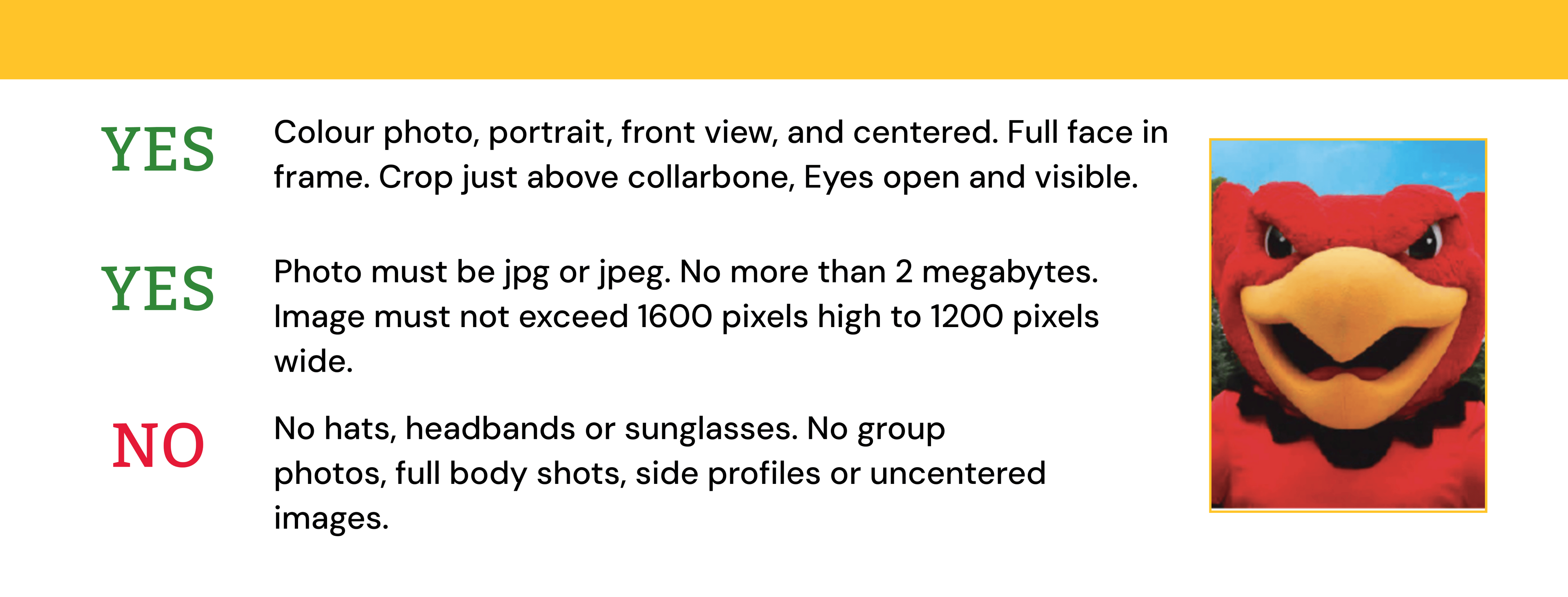
The image is not more than 1600 high x 1200 pixels wide.
The image file size is smaller than 2 megabytes.
The image file type is either .jpg or .jpeg.
The ratio of the image, height divided by width, is around 1.3 (ie. 1600 / 1200 = 1.33)
Make sure you are centered in the frame of the image and take the picture.
Save the photo in the .jpg (.jpeg) format, name the file according to your nine-digit University of Guelph employee number. The name of the file is your employee number.jpg so it should be “123456789.jpg.
You can send your image to Campus Card Office at idcard@uoguelph.ca