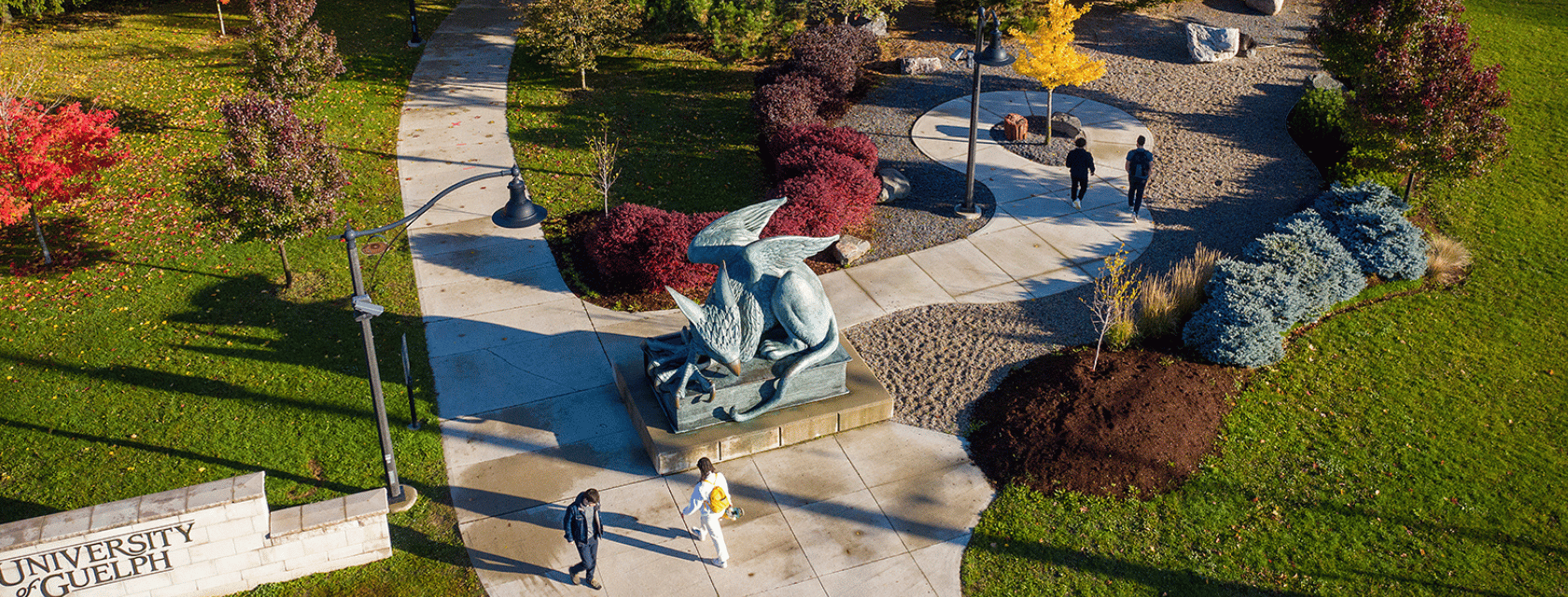
Visitor Parking
Parking Information on Campus
Whether you’re visiting campus for an event, meeting, tour, or quick stop, we’ve made parking simple and convenient. Below you’ll find information on how to pay for parking using the HONK and PayByPhone apps, including rates and download links, as well as a complete list of visitor parking lots available across campus.
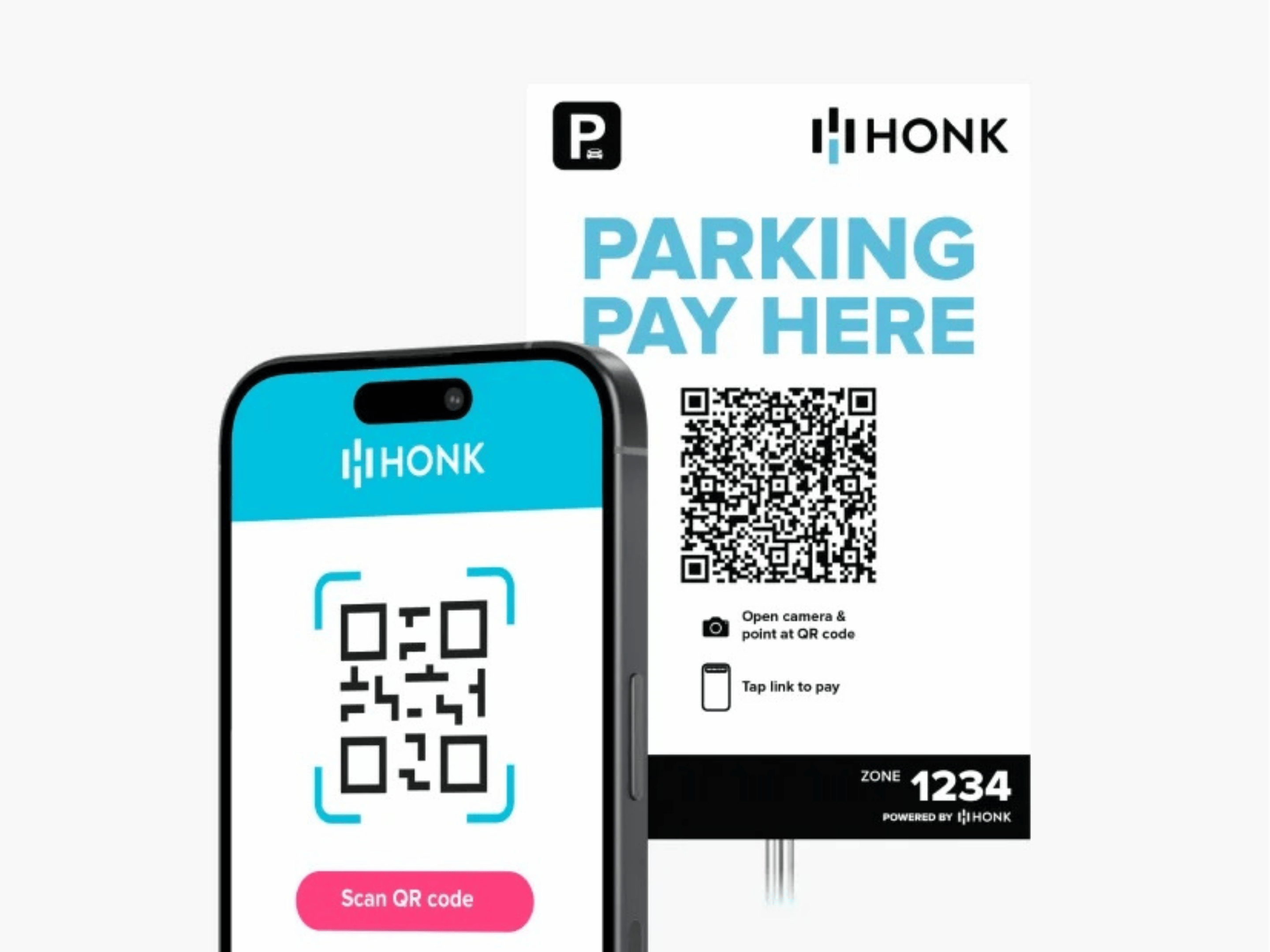
HONK
Available in: P31 Visitor Area, P44 Visitor Area, P01, GTI (P70), and OVC Client Parking.
- Download the HONK Mobile app from the App Store or Google Play
- Use the HONK Mobile website.
- Scan the visitor QR code located at main building entrances and in the parking lots.
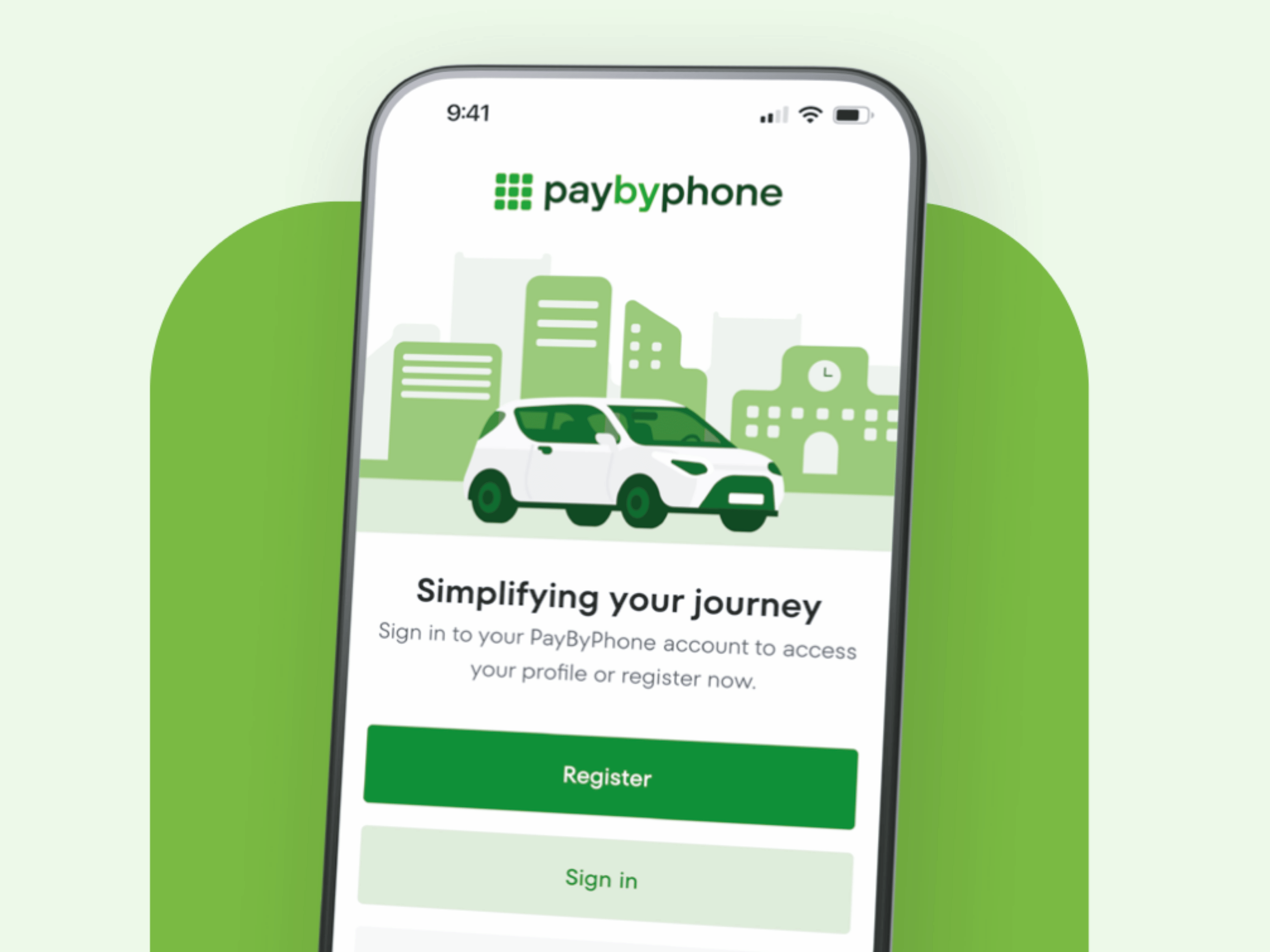
Paybyphone
Available in: Posted hourly parking areas across campus.
- Download the Paybyphone app from the App Store or Google Play
- Use the Paybyphone website.
- Call the toll‑free number listed on Paybyphone signs in the lot.
Hourly Rates
Hourly rates are subject to change.
| Paybyphone / HONK Rates | Price |
| Hourly | $4.00 / hour |
| Daily | $22.00 / day |
| Transaction Fee | $0.45 per transaction |
On-Campus Parking Lot Locations & Information
The following parking lots are available for visitor parking across campus. Each lot listing includes accepted payment methods, parking rates (where applicable), hours of operation, and any parking restrictions or permit requirements to help you plan your visit.