Equipment and Tutorials
MakerSpace Equipment Catalog
Welcome to the MakerSpace Equipment & Tutorials page! Here you’ll find an overview of the tools, technology, and resources available to support DIY projects, hands‑on learning, prototyping, and creative projects of all kinds. The MakerSpace offers both in space equipment and equipment sign outs to support students creative and academic work. If you are curious about how our equipment works or would like to familiarize yourself before visiting, be sure to check out our YouTube video tutorials linked below!
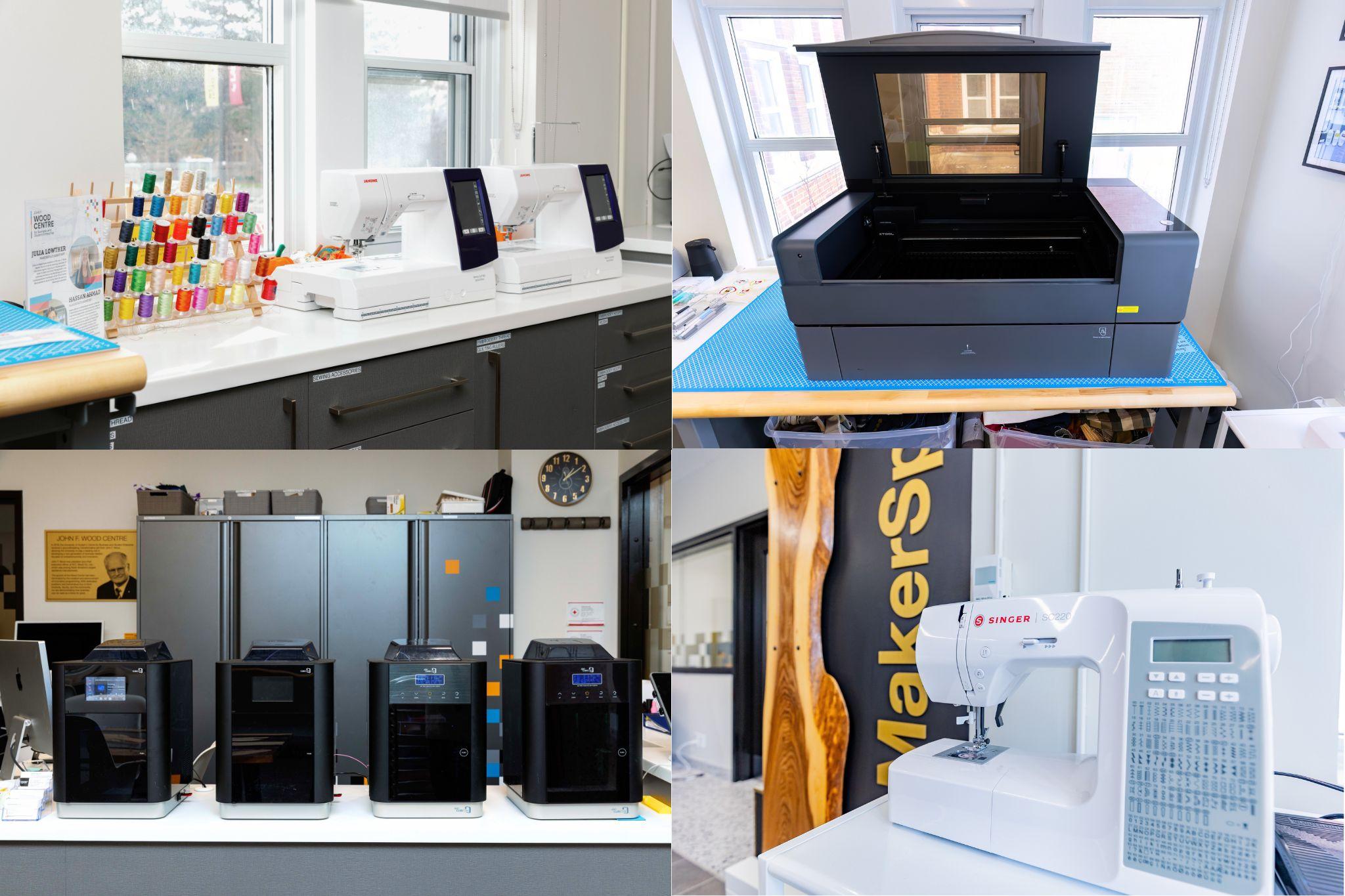
Students are welcome to visit the MakerSpace during our open hours, Monday - Friday from 9 AM to 4PM, to use our in house equipment including 3D printers, laser engravers, Cricut machines, sewing machines, embroidery machines, and more. Staff are always available to assist with setup and hands‑on instruction so you can confidently use the tools for your projects. Whether you’re crafting, prototyping, designing, or experimenting, our team is here to help you learn new skills and turn your ideas into reality.
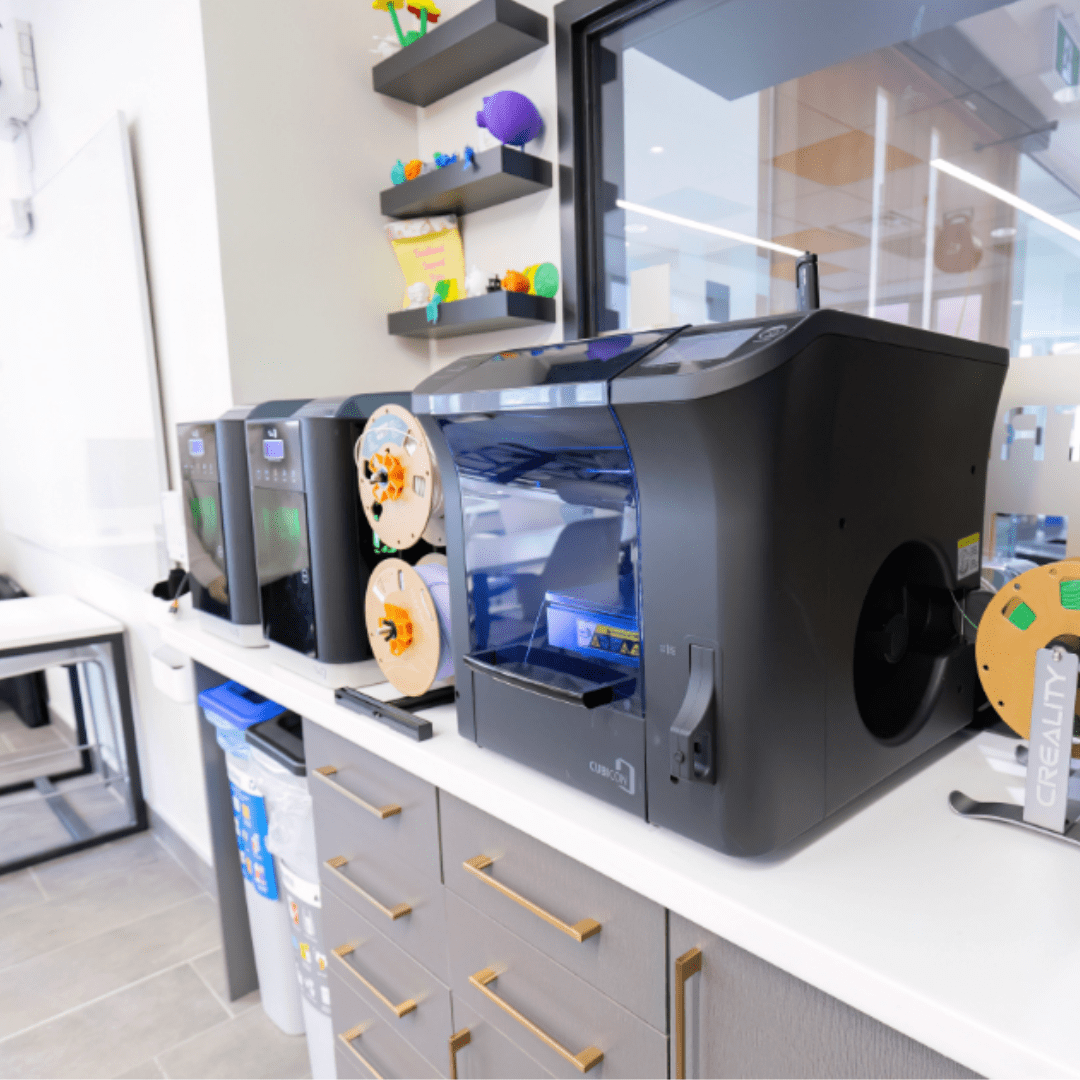
Our MakerSpace offers five 3D printers, including Cubicon Single‑Plus and Cubicon Style models. These printers use PLA filament, making them ideal for fast, reliable prototyping and creative projects.
What you can make:
- Product prototypes and models
- Phone stands, organizers, and useful tools
- Custom parts or replacement pieces
- Artistic and decorative objects
Great for: Students working on product design, engineering concepts, or creative builds.
Our MakerSpace has a an xTool P2 laser engraver, capable of high‑precision engraving and cutting on wood, metal, and a variety of other materials.
What you can make:
- Custom engravings on wood or metal
- Personalized signs and plaques
- Branded items and gifts
- Detailed design cutouts
Great for: Branding, signage, and detailed design work.
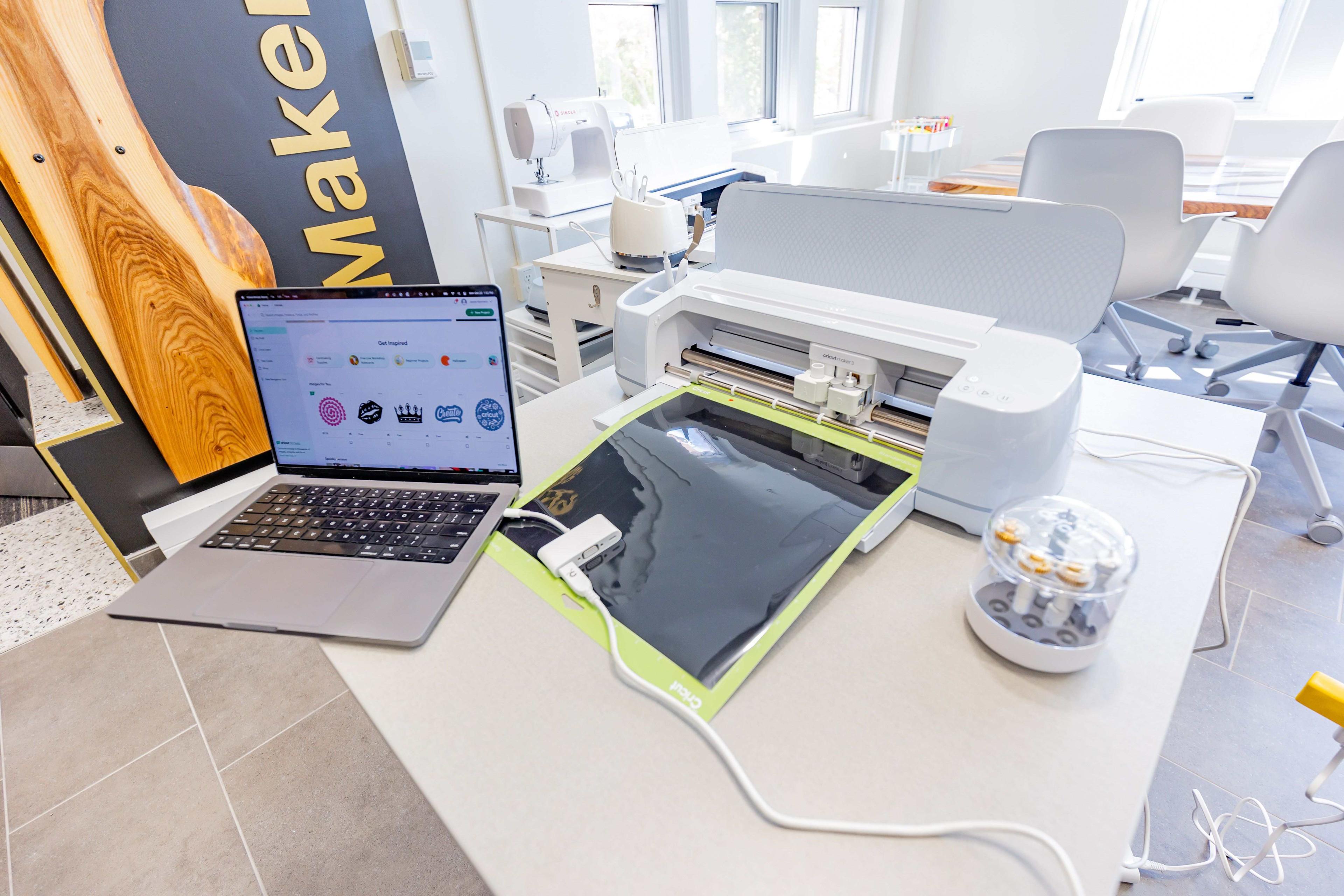
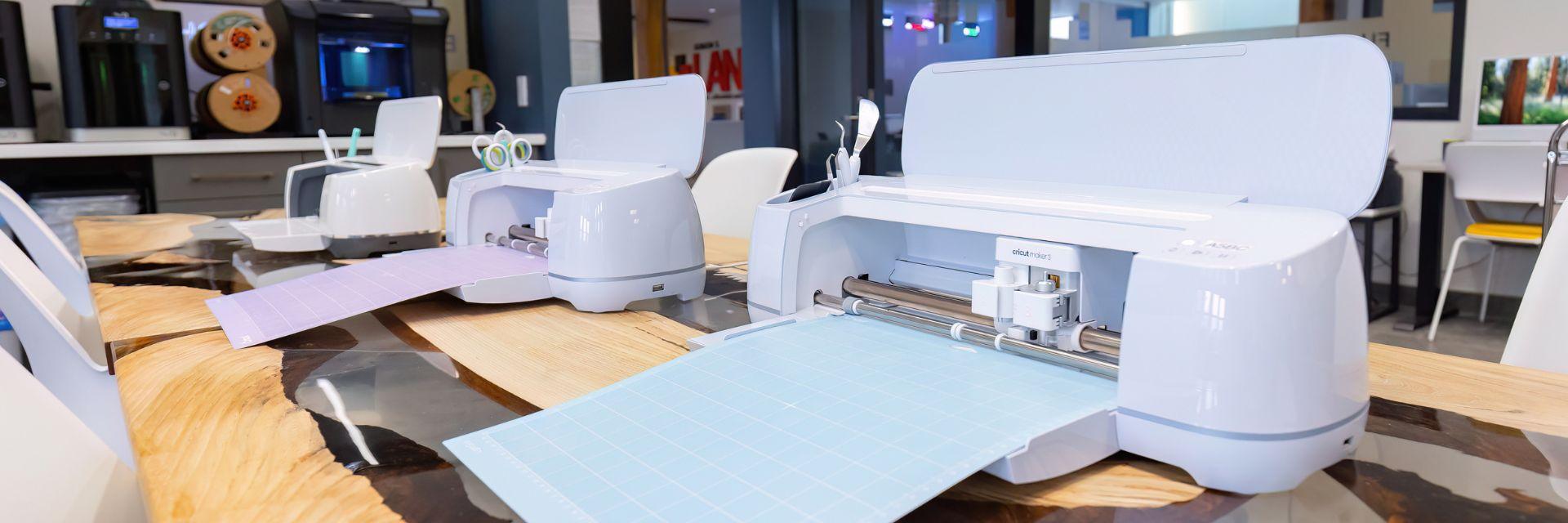
Cricut machines are versatile cutting tools perfect for creating custom designs and merchandise using vinyl, cardstock, and other materials.
What you can make:
- Stickers and decals
- Custom vinyl designs
- T‑shirts and apparel
- Personalized merchandise (cups, glasses, signs, labels)
Great for: Student businesses, club merch, events, and creative projects.
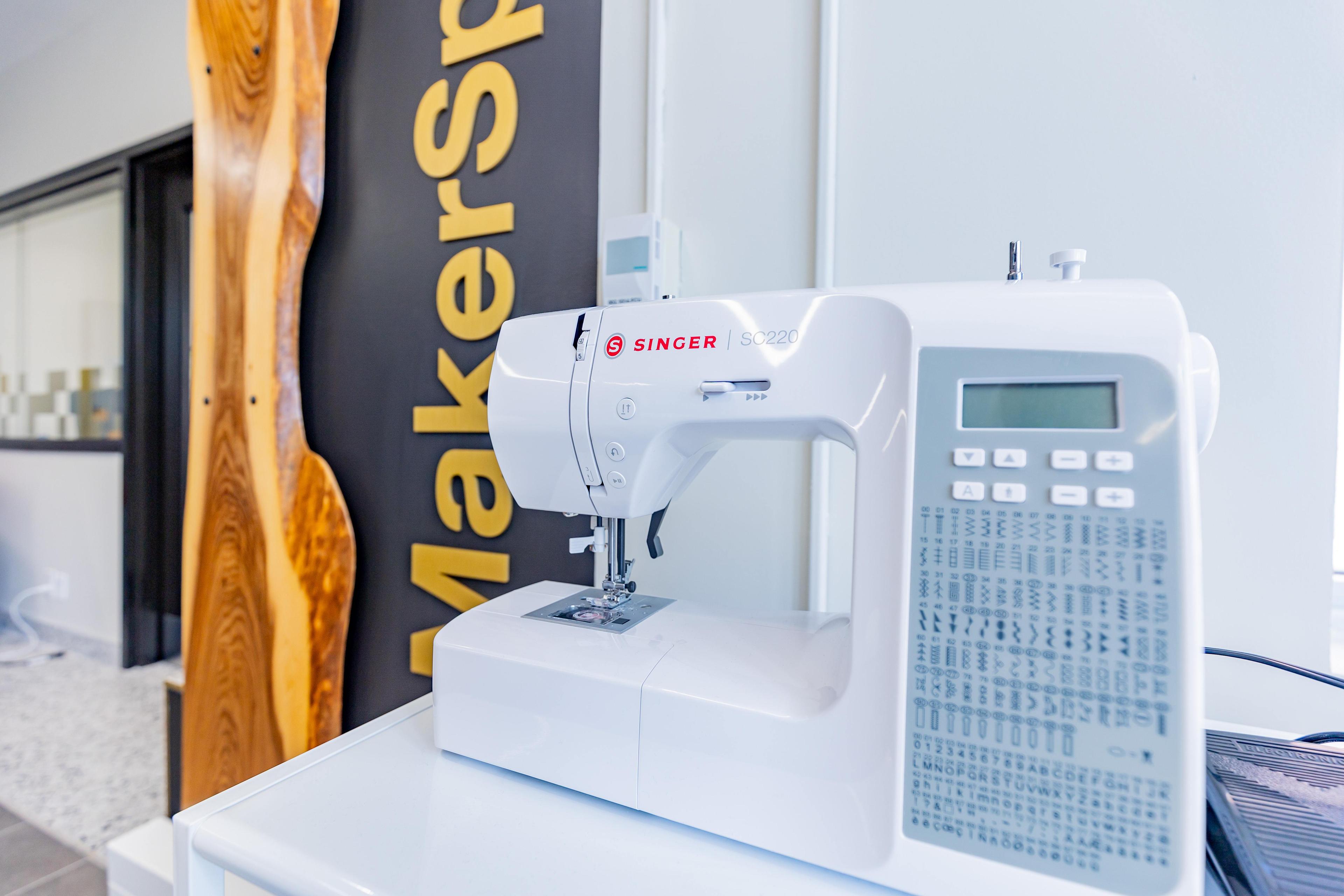
Our MakerSpace includes four sewing machines available for student use. These machines are suitable for beginners and more advanced sewing projects.
What you can make:
- Clothing alterations or repairs
- Tote bags, pillowcases, and accessories
- Fabric‑based prototypes
- Creative textile projects
Great for: Fashion, textile design, and hands‑on creative work.
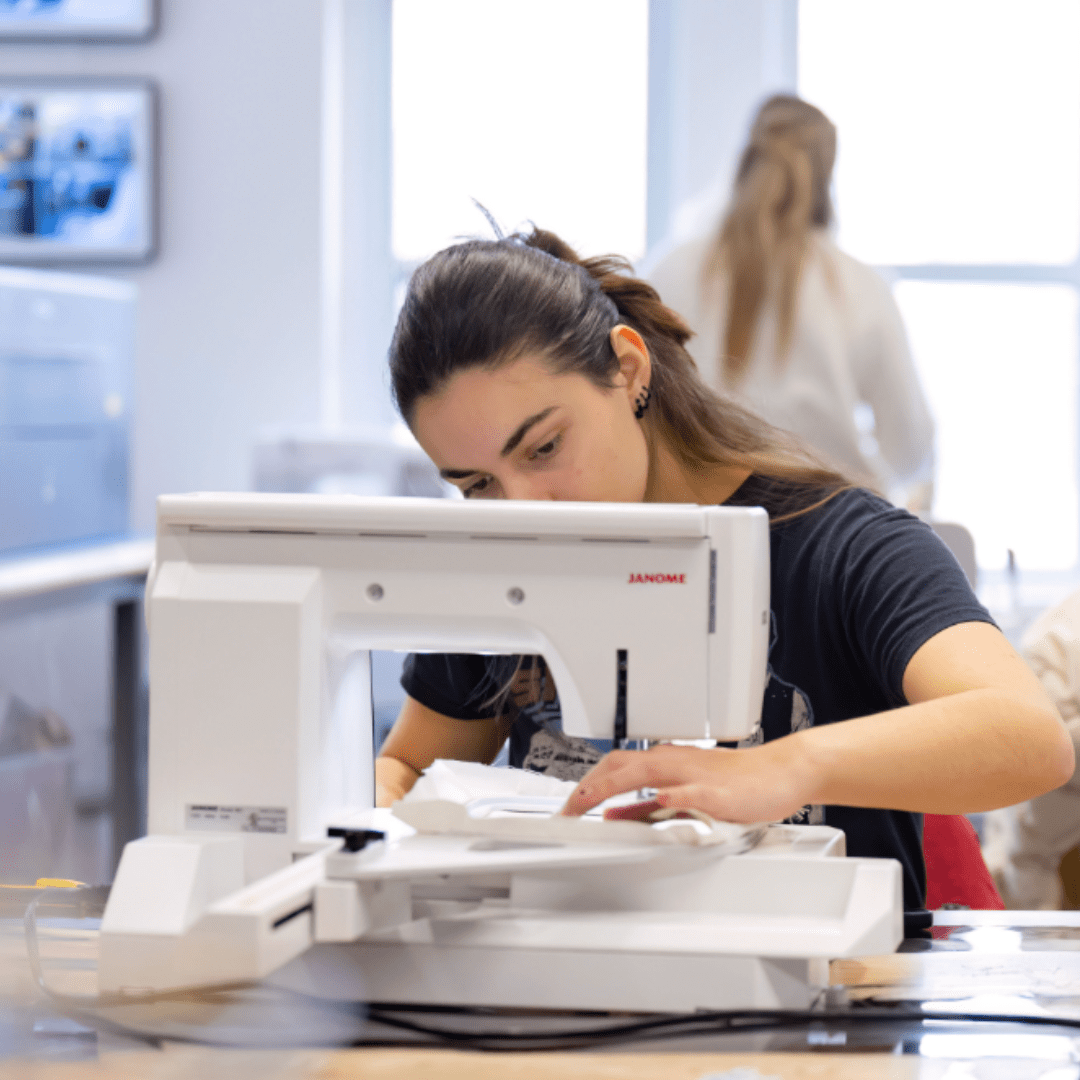
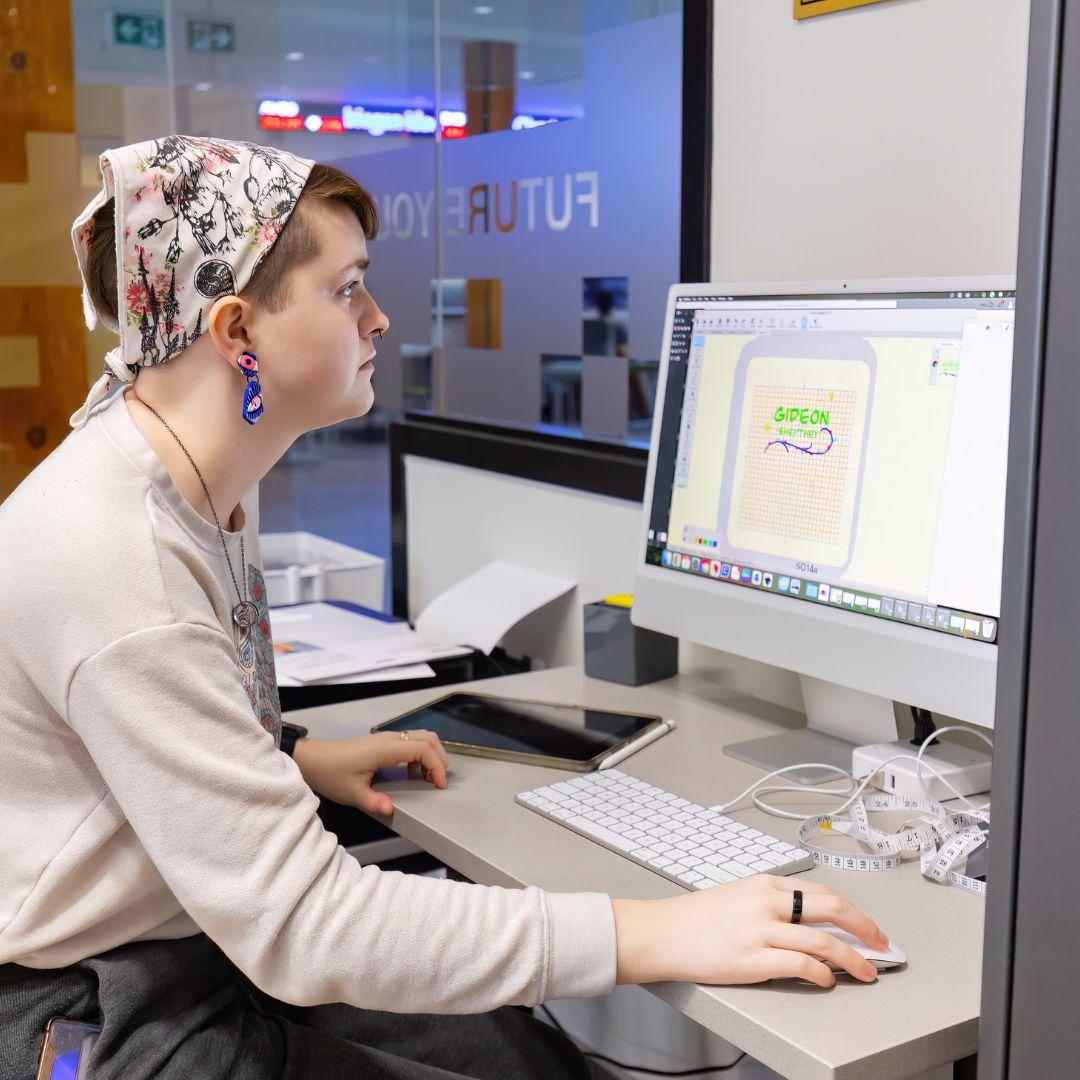
We offer a Janome Memory Craft embroidery machine, which allows students to digitally stitch custom designs onto fabric.
What you can make:
- Custom embroidery on clothing
- Logos on hats, bags, or apparel
- Personalized patches
- Professional‑looking branded items
Great for: Custom merch, branding, and apparel design.
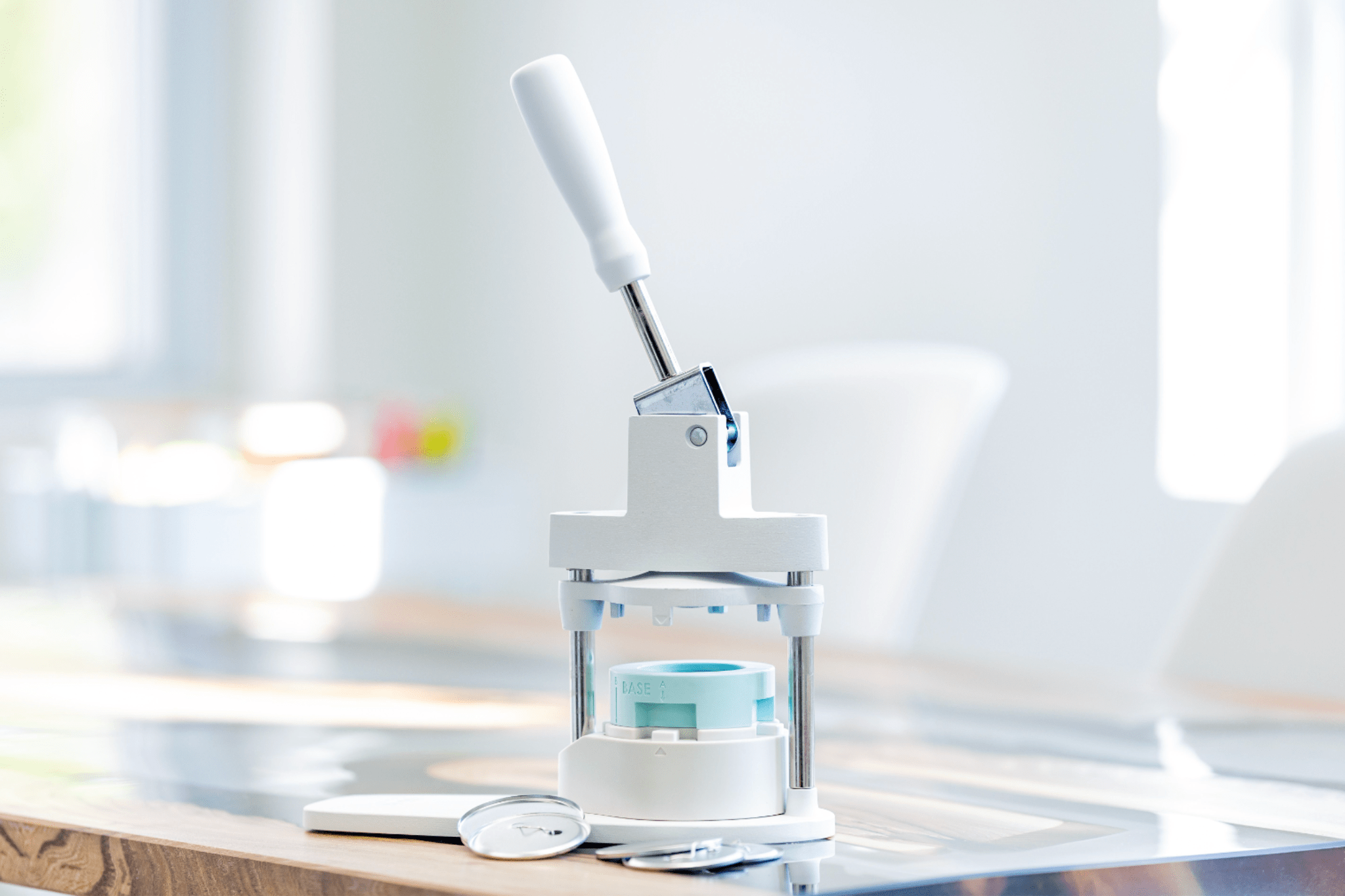
Our button maker allows students to quickly create custom buttons and pins for personal use, events, or promotions.
What you can make:
- Pins for clubs or organizations
- Event buttons
- Promotional or branded buttons
- Fun, creative designs
Great for: Events, student initiatives, and quick promotional items.
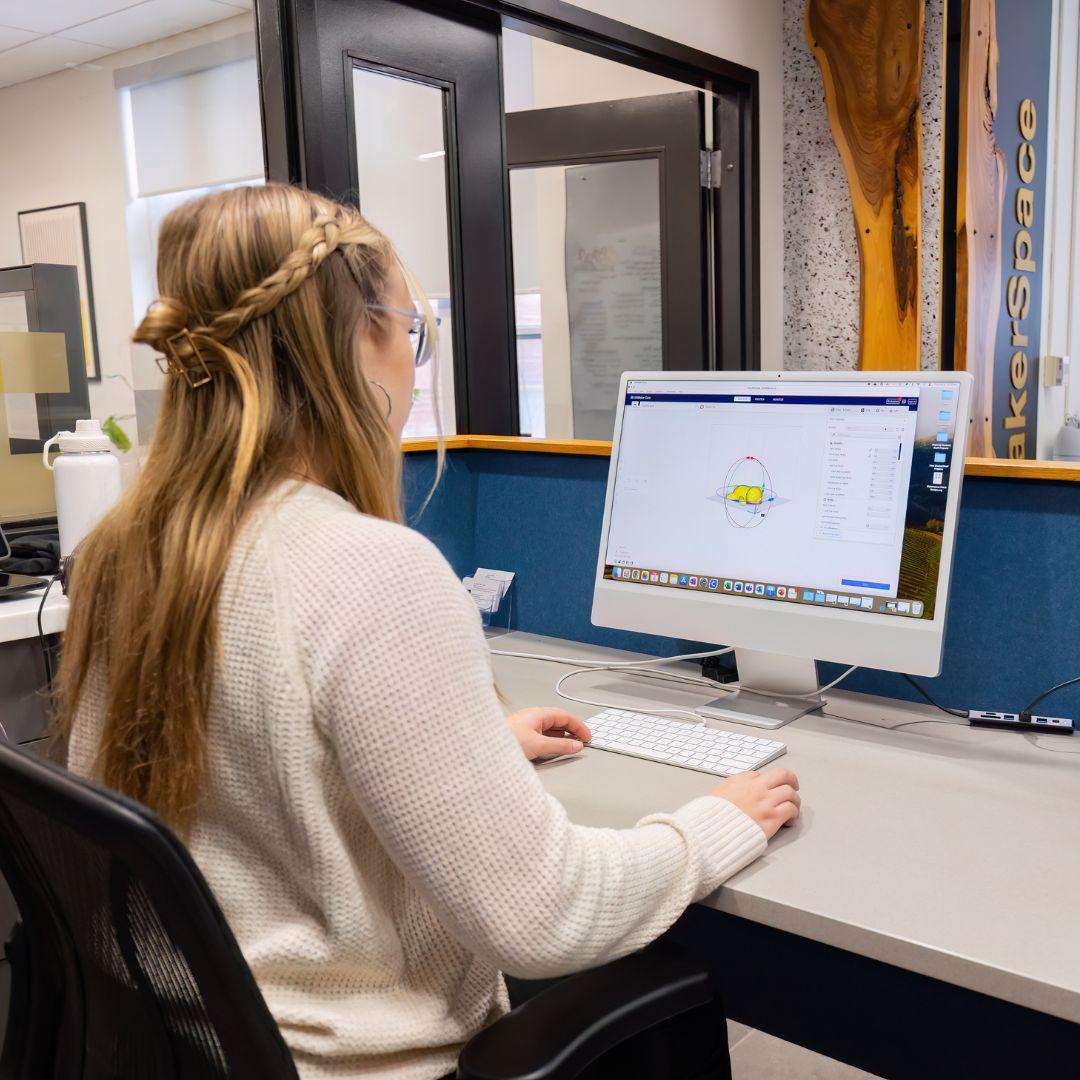
The MakerSpace includes a 3D scanner that allows physical objects to be digitally captured and transformed into 3D models.
What you can do with it:
- Scan real‑world objects into digital files
- Modify or improve existing designs
- Re‑print scanned objects using the 3D printers
- Create digital models for prototyping
Great for: Product development, redesigning parts, and advanced project.
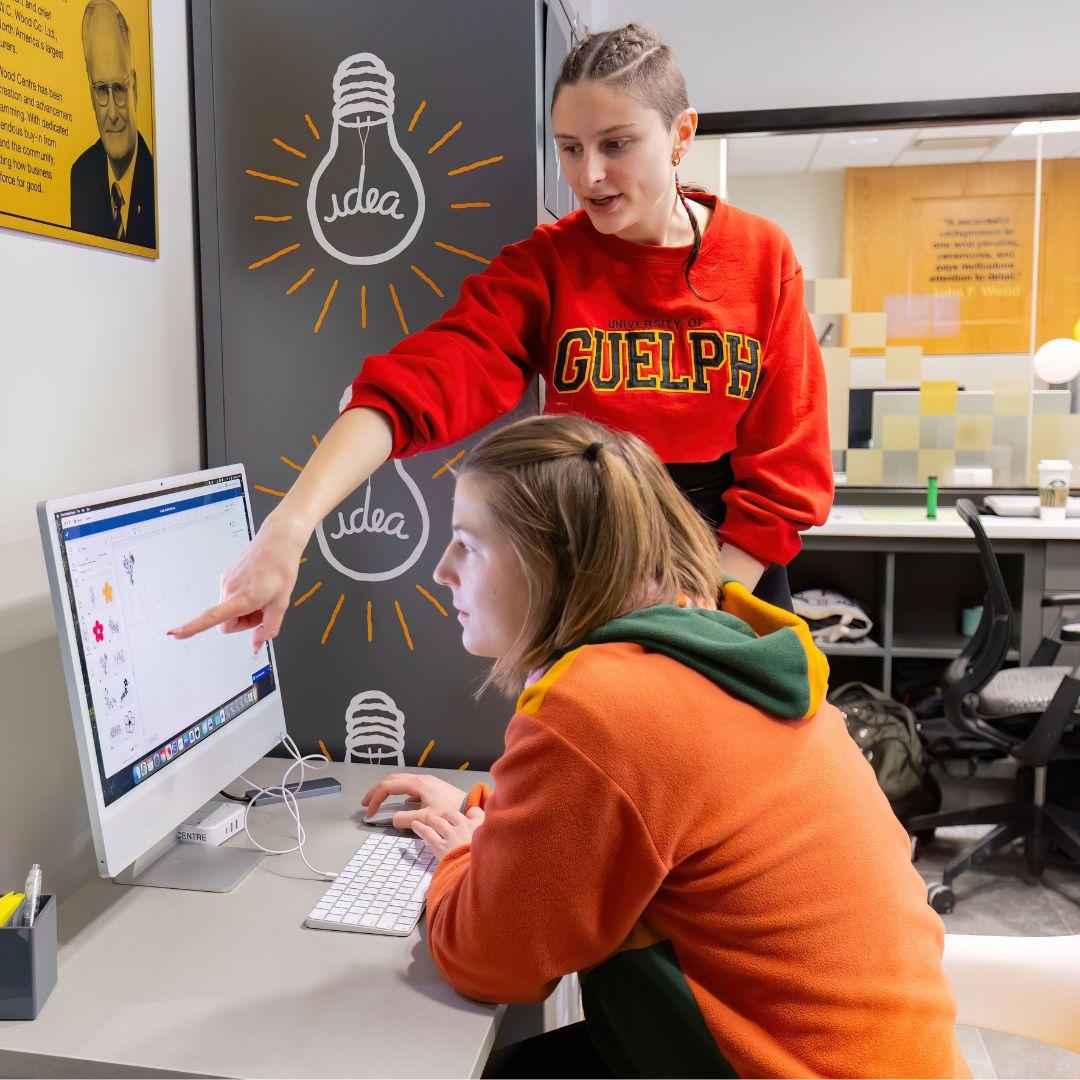
Students have access to online digital design tools, including Adobe Illustrator, Inkscape, and Tinkercad, to help bring ideas from concept to creation.
What you can use them for:
- Designing graphics for Cricut and laser engraving
- Creating vector files and illustrations
- Building 3D models for printing
- Preparing files for MakerSpace equipment
Great for: Designing before you build and learning industry‑standard tools.